VAPPS
VAPPS is ORamaVR’s high-fidelity virtual patient model, designed to bring realistic human anatomy and appearance into your Creator simulations.
The model is split into anatomical systems so you can show, hide, or isolate the layers your simulation actually needs. Each system is a self-contained, high-detail asset — plan its use carefully and profile your scenes, as heavy use can affect runtime performance, especially on standalone XR devices.
Setup
VAPPS is installed from the Creator Panel inside Unity.
Open your Creator project in Unity.
Open the Creator Panel.
Sign in with an account that has an active Creator Pro license.
Open the Creator PRO section from the panel navigation.
Find the VAPPS card.
Click Download.
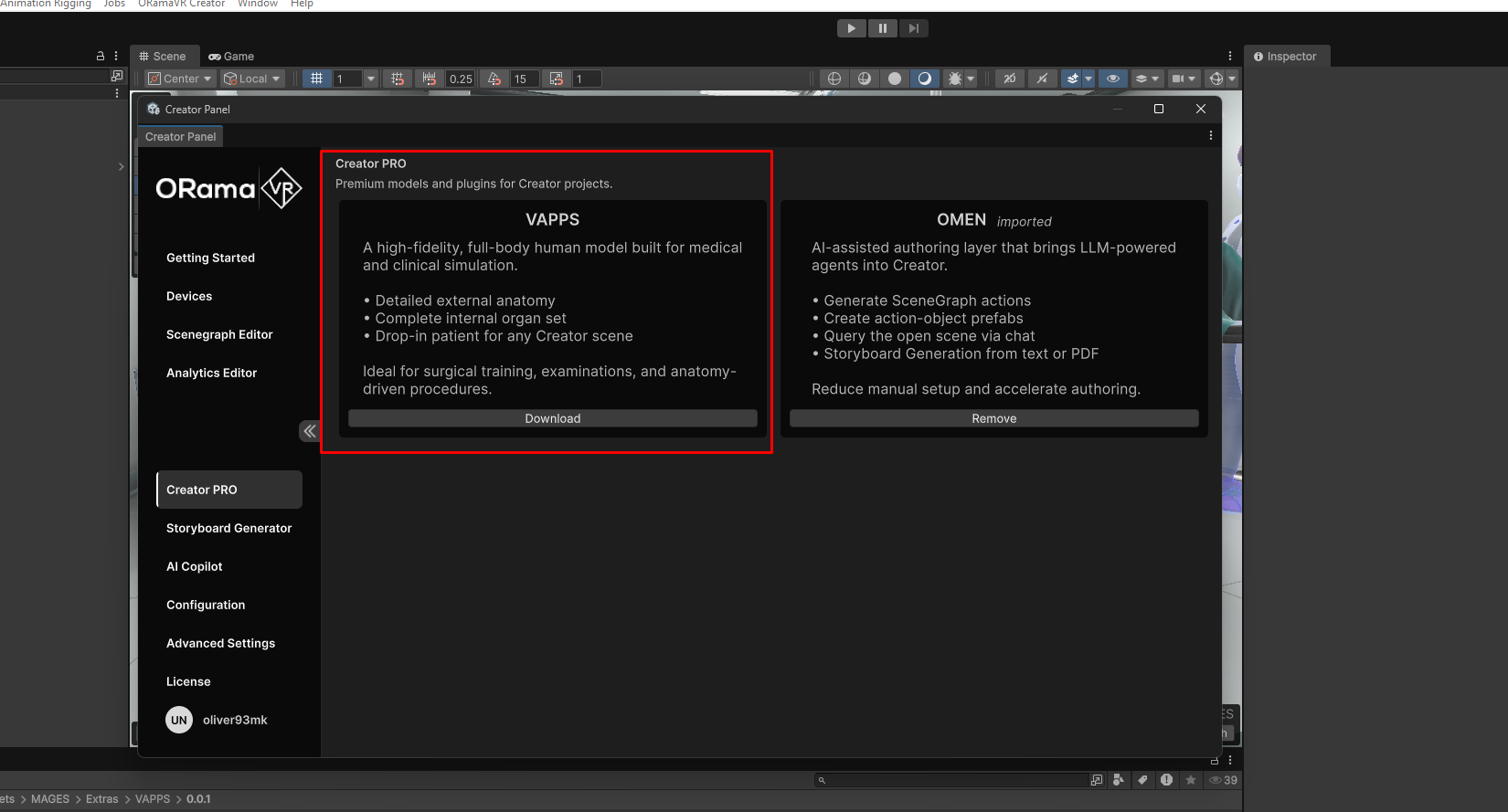
The download places the VAPPS unity package under:
Assets/Creator/Vapps/VAPPS-0.0.1.unitypackage
After the package is downloaded, import it into the project. The imported model content is placed in the versioned VAPPS folder, for example:
Assets/Creator/Vapps/0.0.1
You can then drag the imported VAPPS model into your scene and enable, disable, or isolate the anatomical systems needed by your simulation.
Note
Older projects may still contain VAPPS under
Assets/MAGES/Extras/VAPPS. New downloads are stored under
Assets/Creator/Vapps.
Folder Structure
VAPPS is organized as a downloaded package plus a versioned model folder. The main structure is:
Assets/
  Creator/
    Vapps/
      VAPPS-0.0.1.unitypackage
      0.0.1/
        AnatomicalModel_V01.fbx
        Textures/
VAPPS-0.0.1.unitypackage: The downloaded package file from the Creator Panel. Keep it if you want to re-import the asset later, or remove it after the content has been imported and verified.
0.0.1: The imported VAPPS content for that version. Future VAPPS releases may use a different version folder so multiple versions can be identified clearly.
AnatomicalModel_V01.fbx: The full high-fidelity anatomical model. This is the asset you place in the scene.
Textures: The texture library used by the model, including skin, muscle, fascia, nerve, organ, and bone textures. Keep this folder next to the model so Unity can resolve the model materials correctly.
Anatomical Systems
VAPPS ships with six anatomical systems:
Muscular system
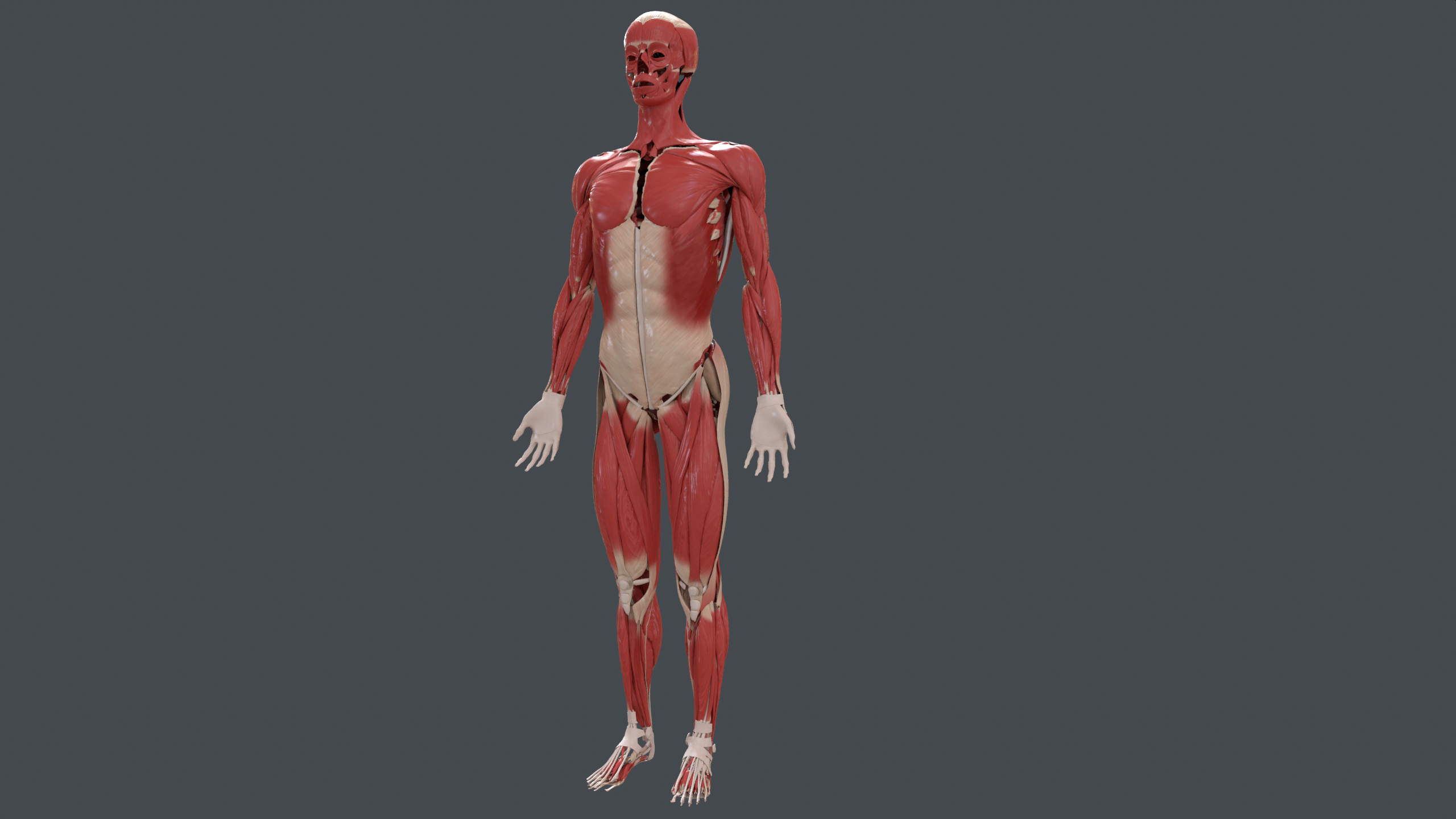
The full muscular layer, with realistic surface detail across the torso, limbs, and face.
Cardiovascular system
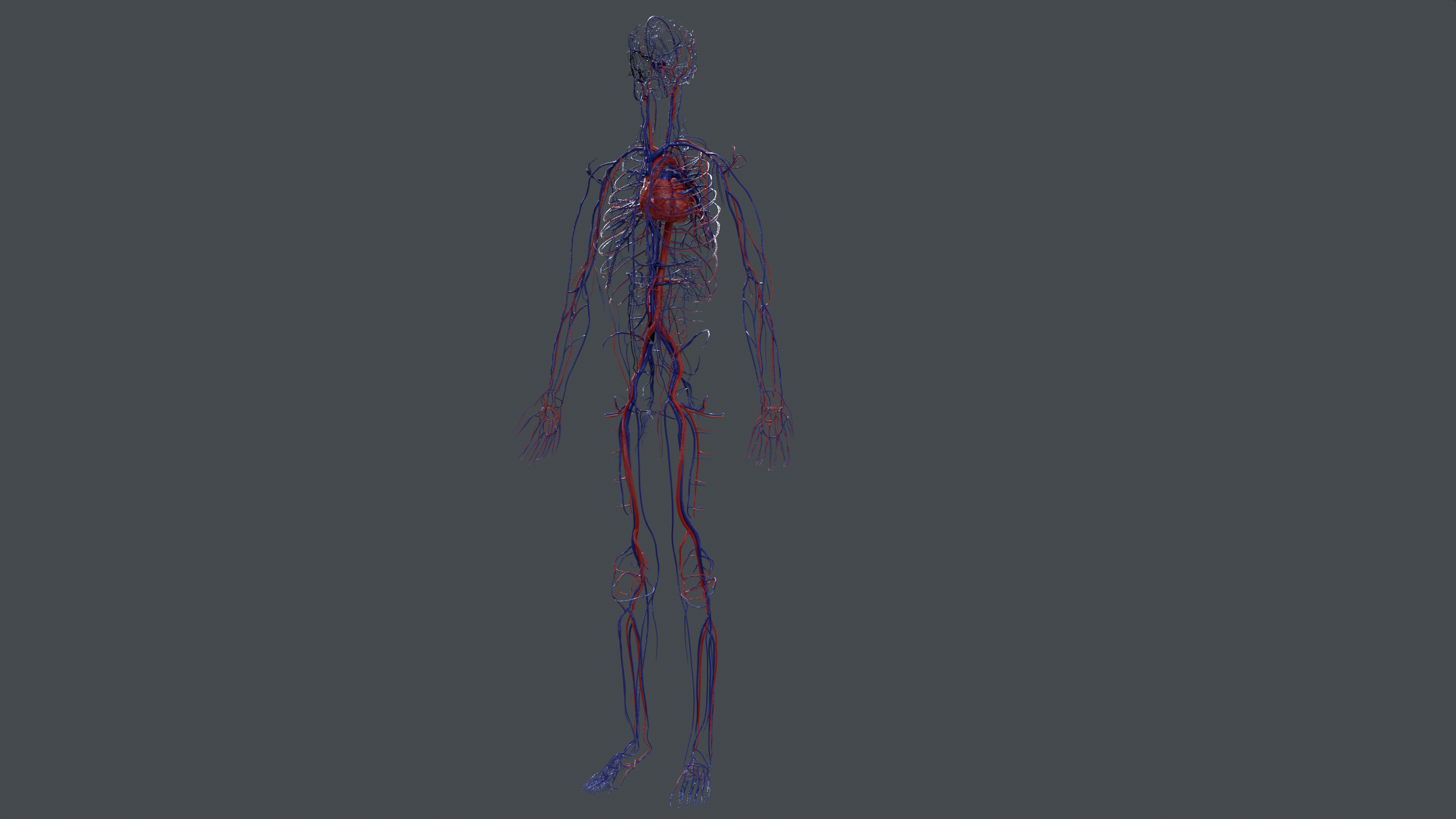
The heart together with the arterial (red) and venous (blue) networks reaching every region of the body.
Skeletal system
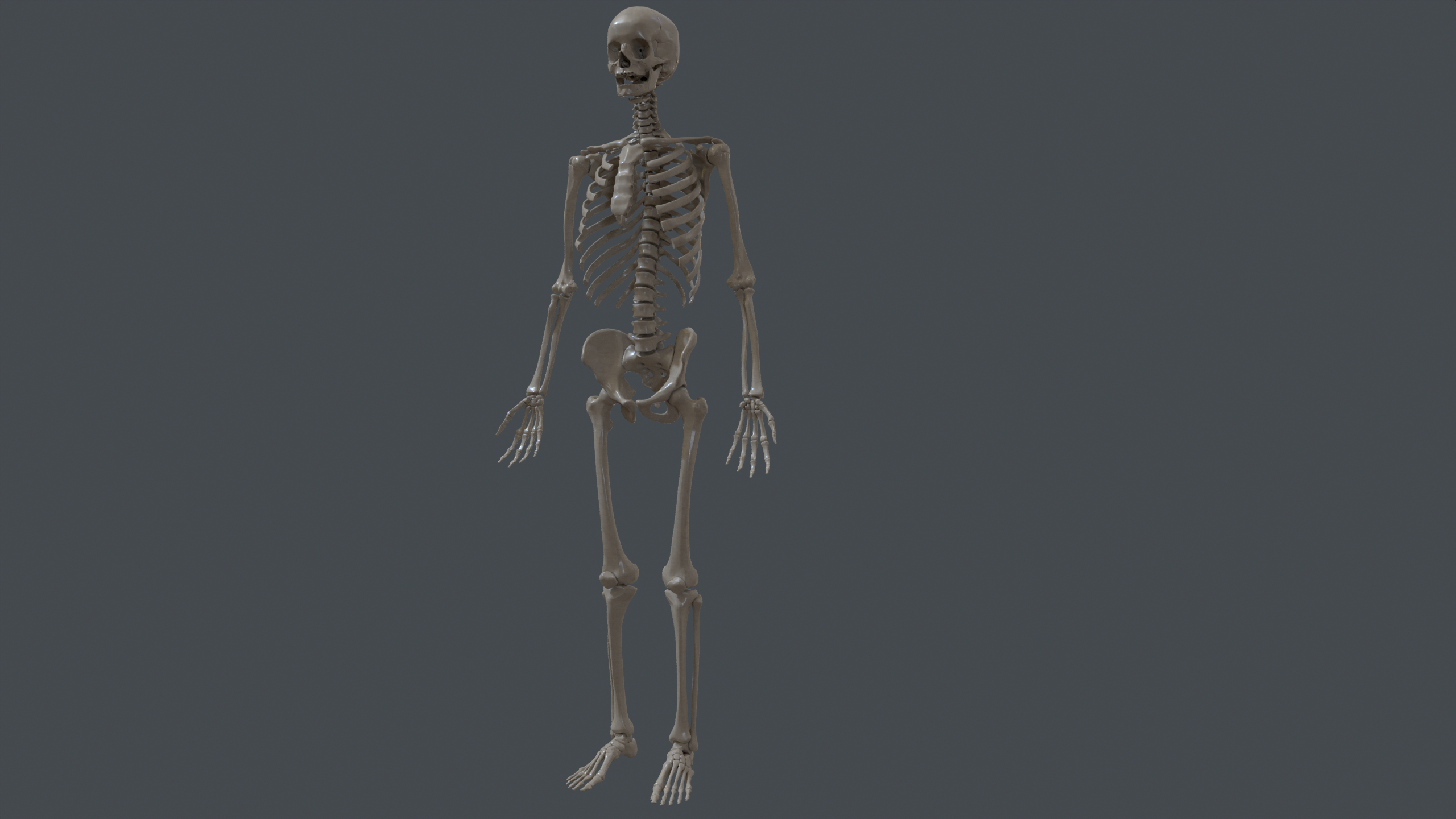
The complete skeleton with anatomically accurate proportions, ready for orthopaedic and surgical training scenarios.
Visceral system
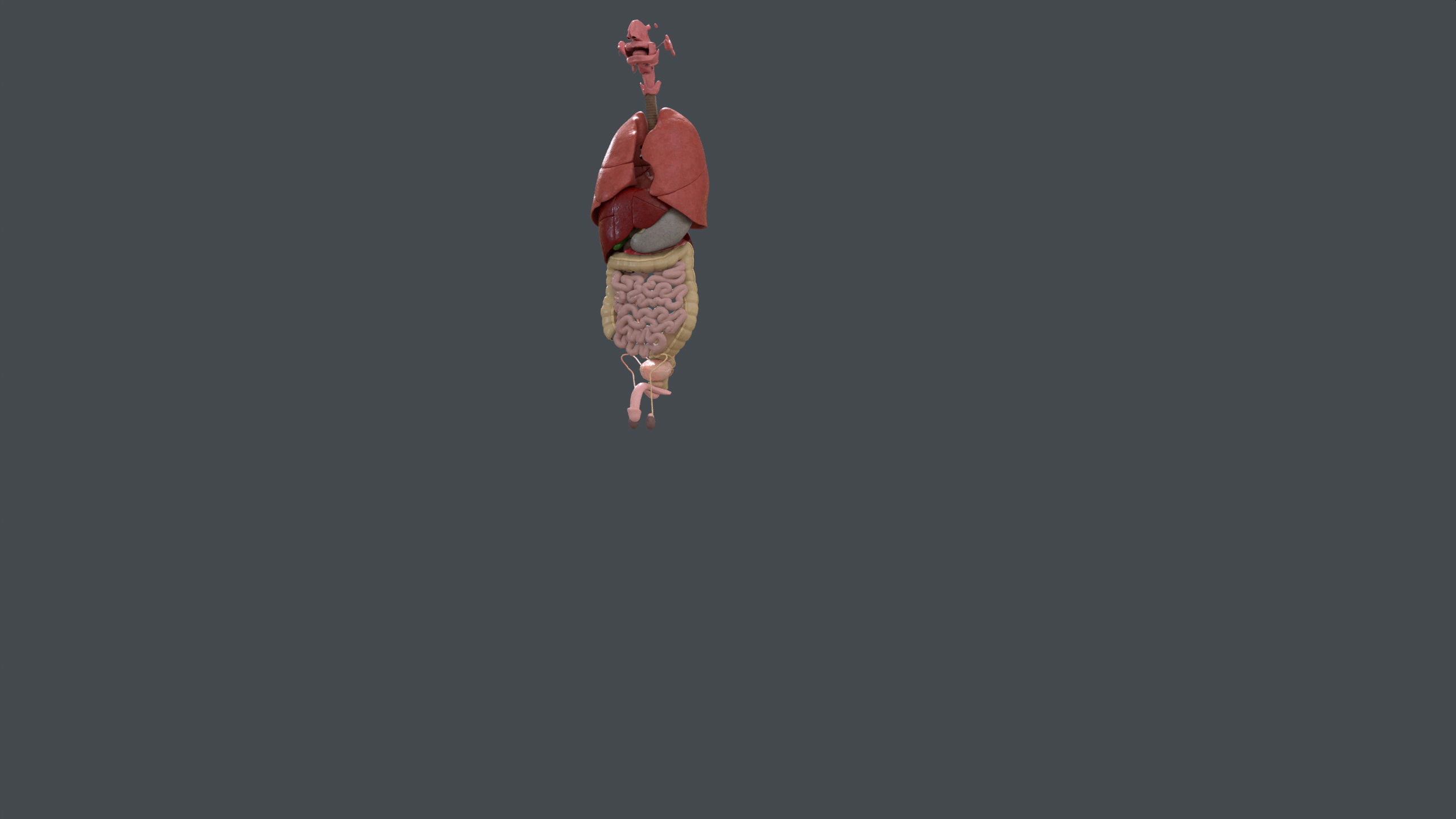
The thoracic and abdominal organs — lungs, heart, liver, stomach, intestines, and pelvic structures — arranged in anatomical position.
Nervous system
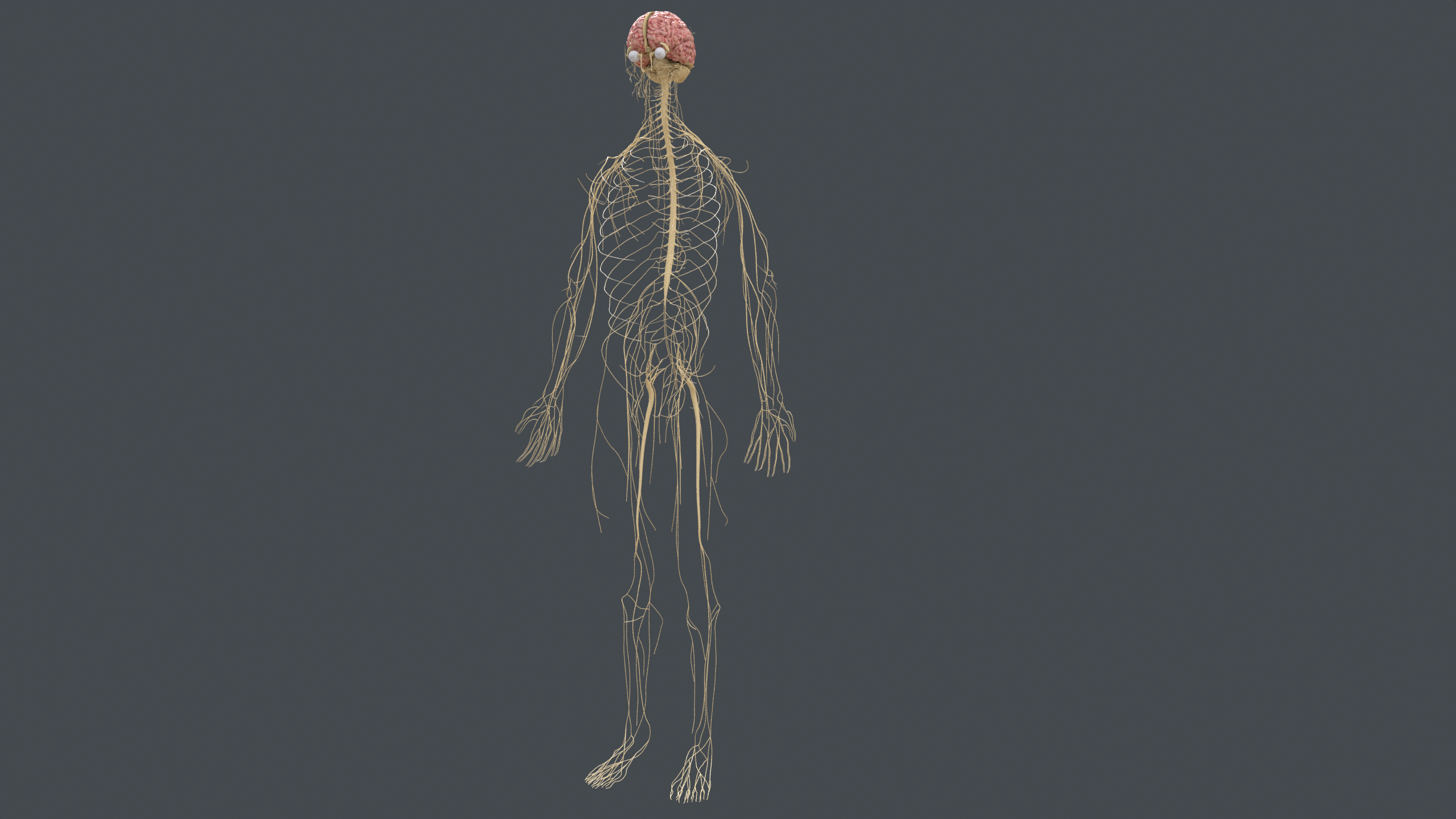
The central and peripheral nervous system, including the brain, spinal cord, and the major peripheral nerve branches.
Ligaments
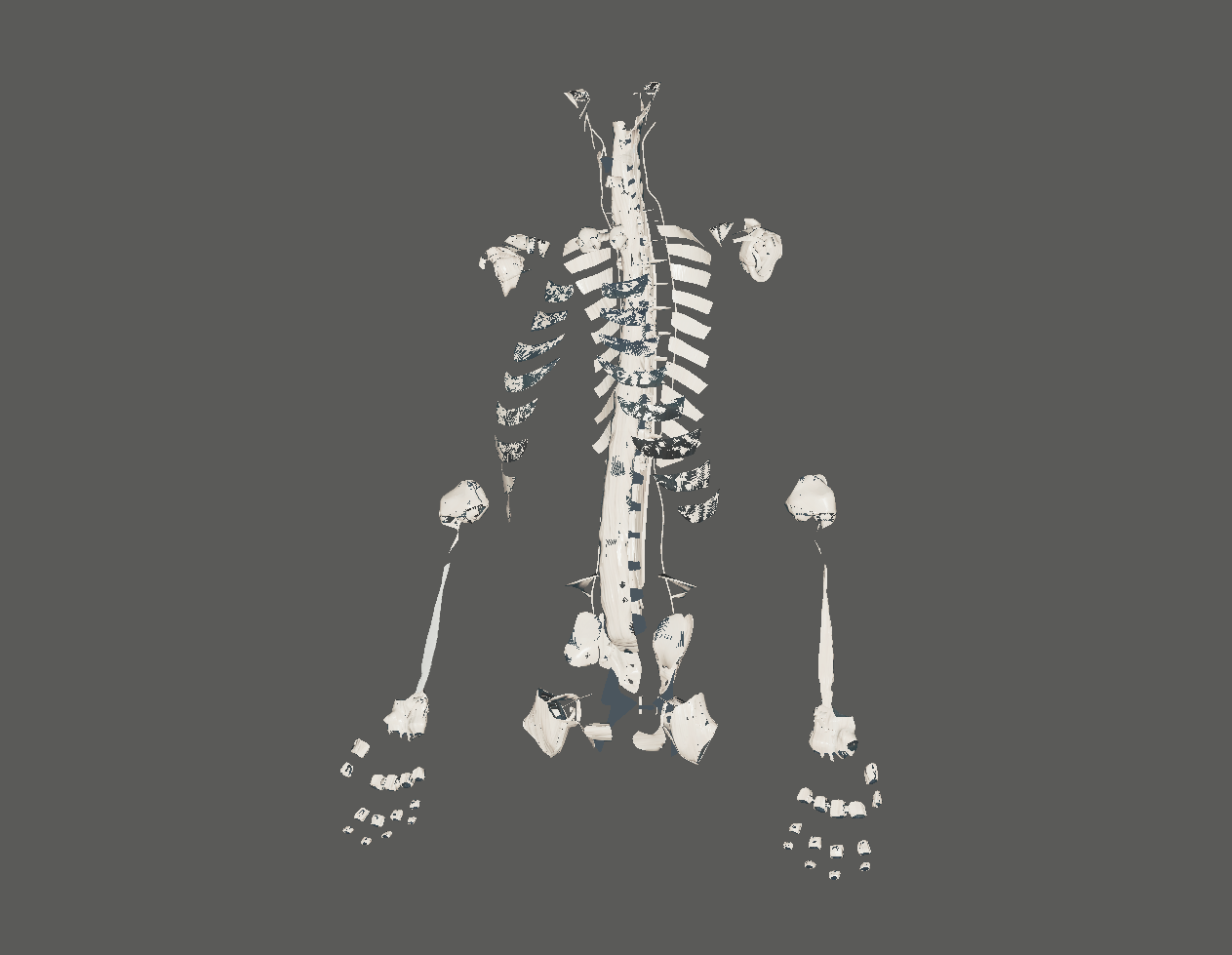
Spinal column and joint ligaments isolated from the surrounding tissue, useful for musculoskeletal and rehabilitation simulations.
Availability
Pro license required
VAPPS is available only for accounts with an active Pro license.
Contact ORamaVR support or your ORamaVR representative to request access to the VAPPS asset package.